Benefits of Posture Mobility Support for Workers

Long stretches at a desk can leave your neck tense, your lower back aching and your attention drifting from work. Posture Mobility Support can help ease musculoskeletal discomfort and support productivity by making your workstation better suited to your body, with room for regular movement.
You do not need to hold a “perfect” posture all day. The aim is to reduce unnecessary strain and make everyday tasks more comfortable. A well-adjusted chair, suitable back support and a screen positioned for easy viewing can help. Paired with movement breaks, these supports may also limit the repeated strain associated with persistent aches. Start with what your body needs and the tasks you do, rather than trying to fit yourself around your equipment.
Understanding Posture Mobility Support
Posture Mobility Support is a category of ergonomic tools and equipment designed to support your posture while allowing movement during office tasks, rather than a single device. The distinction matters when choosing equipment: a support needs to suit both your body and the tasks you do, not simply hold you in one position.
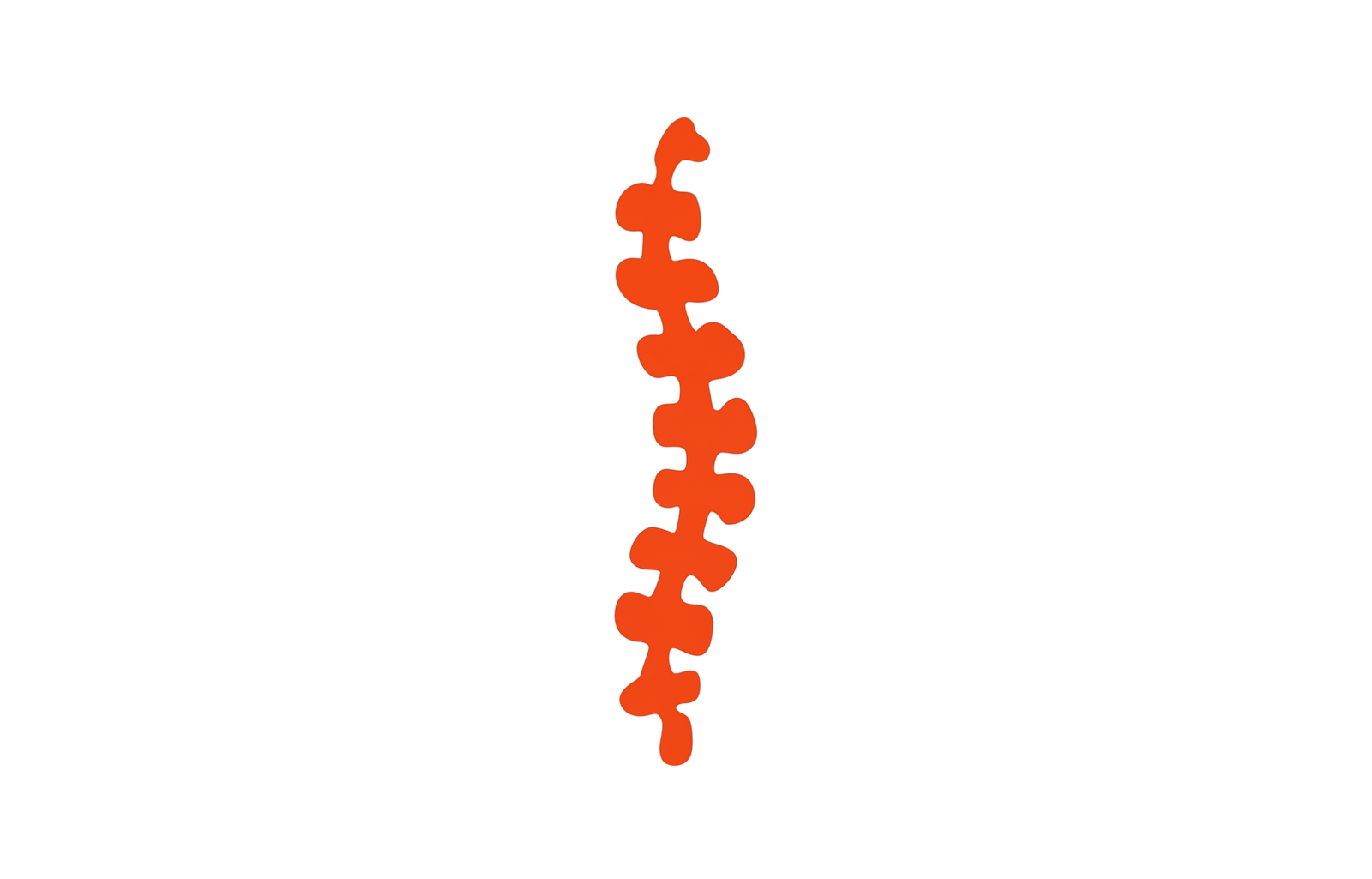
One function is helping your spine maintain its natural “S” shape. Viewed from the side, the spine curves inward at the neck and lower back, and outward through the upper back. Supporting these curves does not mean making your back completely straight. It means allowing for your body’s shape rather than asking you to work against it.
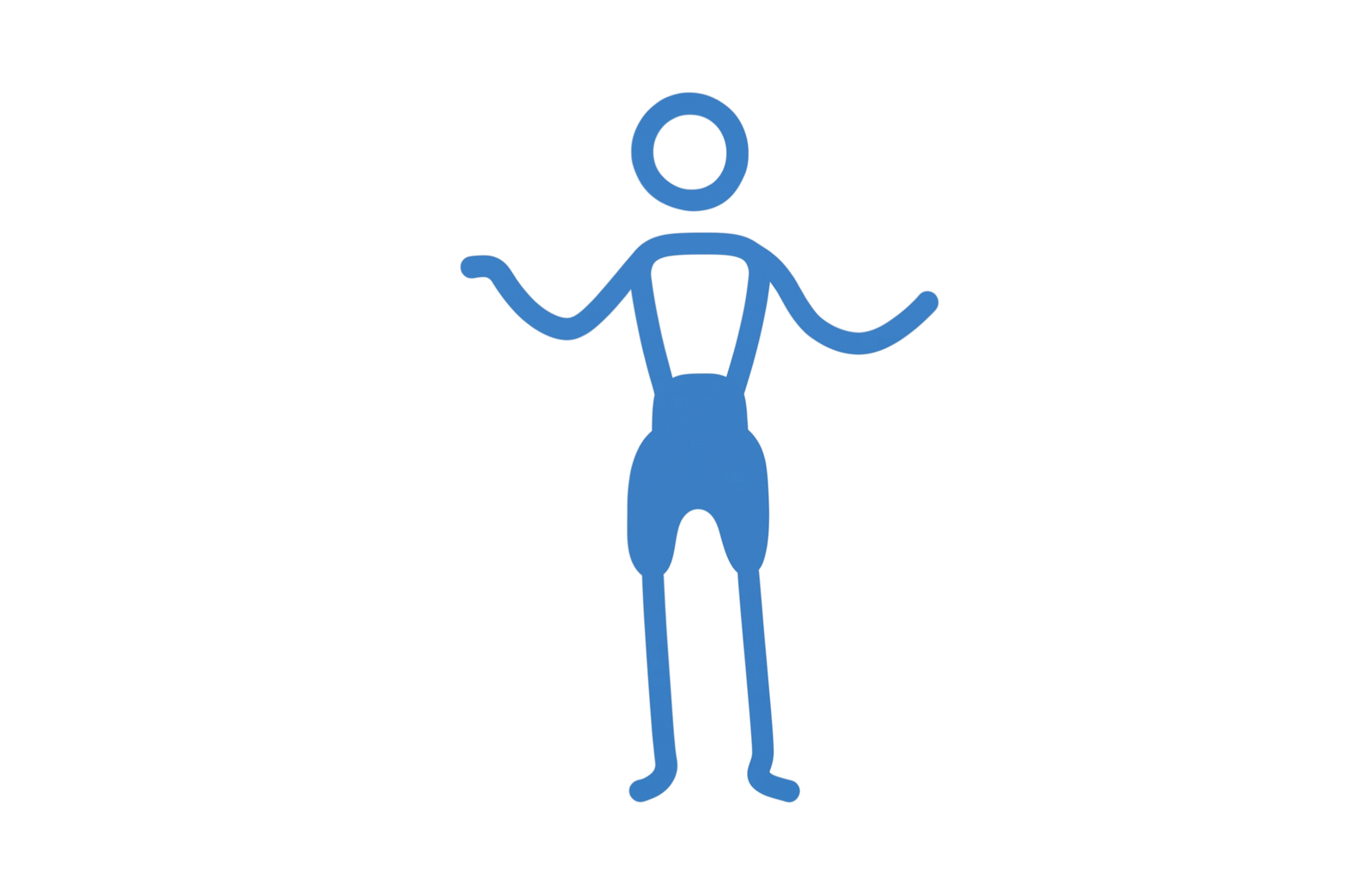
The posture element is about how your body is supported at the desk. The mobility element is about retaining the freedom to shift your weight, change your sitting angle and move between tasks. These work together: support should leave room for comfortable changes in position.
You can apply this distinction where your body meets the workstation. A back support, for example, should accommodate your lower back’s curve without pushing you towards the seat edge. Consider both how it fits when you settle into the chair and whether it lets you move comfortably as you work.
Benefits of Posture Mobility Support for Office Workers
When support fits your body and your tasks, desk work can feel less physically demanding. Posture Mobility Support can reduce musculoskeletal pain by encouraging a more balanced spinal position and reducing strain on muscles and joints. The practical benefit is greater ease while typing, reading or using a mouse, rather than having to work around discomfort.
Less discomfort during desk tasks
If aches build during sustained computer work, supporting your body in a position suited to the task can reduce the muscular effort needed to maintain it. Workstation changes will not resolve every ache. Where your working position contributes to pain, however, better support can help reduce that source of strain. The aim is to make your usual tasks more comfortable, not ask you to tolerate a position that hurts.
More comfort and less fatigue
Enhanced comfort with Posture Mobility Support can allow longer periods of focus and reduce fatigue during work hours. Settling comfortably into a task is different from repeatedly shifting because your back, neck or shoulders hurt. Comfort should make desk work less tiring while still leaving room for regular movement, not become a reason to stay seated longer.
Fewer interruptions to concentration
Office workers using Posture Mobility Support often report increased productivity because discomfort creates fewer distractions. During writing, spreadsheet work or detailed review, less attention spent managing aches leaves more attention available for the task itself.
For employers, this is a reason to support staff comfort as part of everyday work. Better concentration is a benefit, but employee wellbeing remains the priority.
Preventing Long-term Health Issues with Posture Mobility Support
Beyond day-to-day comfort, Posture Mobility Support can help prevent long-term musculoskeletal health issues by promoting healthy movement patterns and reducing the risk of repetitive strain injuries. The aim is to reduce repeated loading of the same muscles and joints throughout your working day, not just make a seated position more comfortable.
Repetition matters as much as posture. If you reach forward for the mouse or twist towards a screen each time you use it, that awkward movement becomes part of your routine. A supportive setup should bring tasks within comfortable reach while leaving you free to change position. Comfort alone is not enough if the equipment limits your movement.
Ergonomic back supports help maintain the natural curve of your spine, helping prevent muscle fatigue and back tightness. The fit matters: your lower back should feel supported while you retain room to shift your weight, turn and stand comfortably. You should not need to hold yourself stiffly against the backrest.
These supports are one part of protecting your musculoskeletal health, not a guarantee against future injury. Their preventive value depends on how well they suit your body and work demands, alongside opportunities to move. For employers, this means reviewing the setup as work demands change, rather than assuming that supplying equipment alone removes the risk of repeated strain. Choose equipment around the person and the task, not the other way around.
Types of Posture Mobility Support Products for Office Use
Posture Mobility Support products include ergonomic chairs, adjustable standing desks, footrests and lumbar supports. Choose according to the support or freedom of movement your current setup lacks, rather than replacing equipment that already suits you.
Ergonomic chairs and saddle seats
An ergonomic chair lets you adjust the seat to your body and desk. Look for adjustable seat height, backrest position and seat depth. Your feet should rest on a firm surface, with space behind your knees so the seat edge does not press against them.
Saddle-style seating can improve posture and reduce lower back pain for some users. It places you differently from a conventional office chair, so consider your comfort and how well it works with your desk.
Adjustable standing desks
A height-adjustable desk lets you alternate between sitting and standing without changing workstations. Standing desks can encourage movement during the workday and help boost energy and concentration. Prioritise adjustability over a fixed, higher work surface. Check that your keyboard and screen remain comfortably positioned at both sitting and standing heights.
Footrests
A footrest provides a stable surface if raising your chair to suit the desk leaves your feet unsupported. Look for enough space for both feet and a comfortable angle. The added height should not press your thighs against the chair.
Lumbar supports
A separate lumbar cushion can fill the gap where an existing backrest leaves your lower back unsupported. Choose a thickness that works with your chair, not against it. Too much padding can push you forward and reduce the usable seat depth, so check your sitting position with the cushion in place.
Integrating Posture Mobility Support into Daily Office Routines
Once you have support that suits your workstation, make its adjustment part of your morning routine. Set your chair so your feet rest comfortably on the floor or a footrest, your back is supported and your shoulders are relaxed. Keep your keyboard and mouse close enough for your elbows to stay near your sides, with the screen directly ahead at a comfortable viewing height.
At a shared desk, reset the chair and screen before starting work so the setup suits you, not the previous user. The Guide to Posture Mobility Support offers a reference for putting these adjustments into practice.
Set reminders to change position and build movement breaks into your workday. Link them to familiar tasks: stand after finishing a document, walk during a suitable phone call or step away from the desk between meetings. Use reminders as a prompt to move, not to hold yourself rigidly upright.
Dynamic seating improves reach and mobility across the workstation. Use your chair’s swivel to turn towards tasks rather than repeatedly twisting through your back. Keep frequently used items close and stand to retrieve anything beyond comfortable reach. Employers can support these habits by making room for brief movement breaks within everyday workflows.
Frequently asked questions
Which ergonomic products may help reduce back pain?
Choose Posture Mobility Support products to address the support you are missing: an adjustable chair if your seat does not fit, a lumbar cushion for an unsupported lower back, or a footrest for unsupported feet. Try adjusting your existing equipment before buying. If possible, trial a product during your usual desk tasks. A brief sit may not tell you whether it suits the way you work.
How often should I change position during the workday?
There is no single interval that suits every person or task. Make small shifts while working and take opportunities to leave your chair, rather than waiting for pain. If discomfort regularly starts before your movement reminder sounds, bring the reminder forward and reassess your setup. You do not need to tolerate an uncomfortable position until a scheduled break.
Can these products be personalised to my needs?
Many products have adjustable settings rather than bespoke construction. Focus on the adjustment that matters for your body: seat depth for thigh support, backrest height for support placement, or desk height for comfortable arm positioning. Change one setting at a time so you can tell what helps. If standard adjustments cannot accommodate your body or an existing condition, an individual workstation assessment can help identify more suitable options.
Decide what needs attention first
If your setup still leaves a task uncomfortable, let that guide your next Posture Mobility Support decision. Note what you are doing when discomfort starts, where you feel it and whether moving away from the desk helps. These details give you a clearer starting point than trying another product without knowing what needs to change.
If you need your employer’s support, describe the task and the adjustment your current equipment cannot provide. Use your notes to explain why you are requesting an assessment or equipment trial.
For further guidance, beamazingchiropractic.com.au provides information on Posture Mobility Support and related chiropractic care. Persistent or worsening pain deserves individual clinical assessment, rather than repeated equipment changes alone. Your next step should reflect your symptoms, daily tasks and personal needs, with attention to what is making work uncomfortable for you.
To explore more about how Posture Mobility Support can enhance your comfort at work, visit beamazingchiropractic.com.au for detailed information and resources tailored to your needs.
Powered by Rankchat